Best when you know the passenger and the name is easy to recognize.

Airport pickup sign app for iPhone and iPad
Create an airport pickup or welcome sign on iPhone or iPad
In LED Banner, enter the passenger name, choose a readable style, and show your airport welcome sign full screen.
Practical guidance by the team behind LED Banner.
See the welcome sign in action
A short app demo with the interface in English. Press play to watch.
Quick answer
Make the passenger’s name the easiest thing to spot.
Use the exact name they expect to see, make it large and high contrast, and keep it still for most pickups. Add a hotel or company name only when it helps the passenger understand who is meeting them.
Ready-to-show wording
Start with the message your passenger expects
Use the name they know first. Add one short arrival detail only when it helps them confirm the pickup.
Keep the welcome shorter and smaller than the name.
Start with the situation
Start with who you are meeting
A family welcome, a private-driver pickup, and a hotel transfer need different wording even when they use the same app.
01
Family and friends
Lead with a familiar name or nickname, then add one short welcome.
Plan a personal welcome → 02Drivers and hotels
Show the passenger name first, then add the hotel, company, or transfer service.
Prepare a professional board → 03Groups and company guests
Use the family, company, or event name the arriving group will look for.
Format the name clearly →Information priority
Show one name and, if needed, one helpful detail.
Arriving travelers are looking at faces, luggage, exits, and airport signs. Your message should be understandable at a glance.
Read the full readability guide → M. CHEN CITY HOTEL
The passenger name remains dominant.
WELCOME TO THE CITY MR. MICHAEL CHEN · FLIGHT 802 · CALL DRIVER
Every detail competes for attention.
Display mode
Static text or scrolling text?
Choose the mode that lets an arriving passenger recognize the message without waiting.
Keep passenger names still
A short name is easiest to spot when it stays in place and fills the screen.
Scroll only longer messages
Use slow movement only when the full message cannot fit at a readable size.
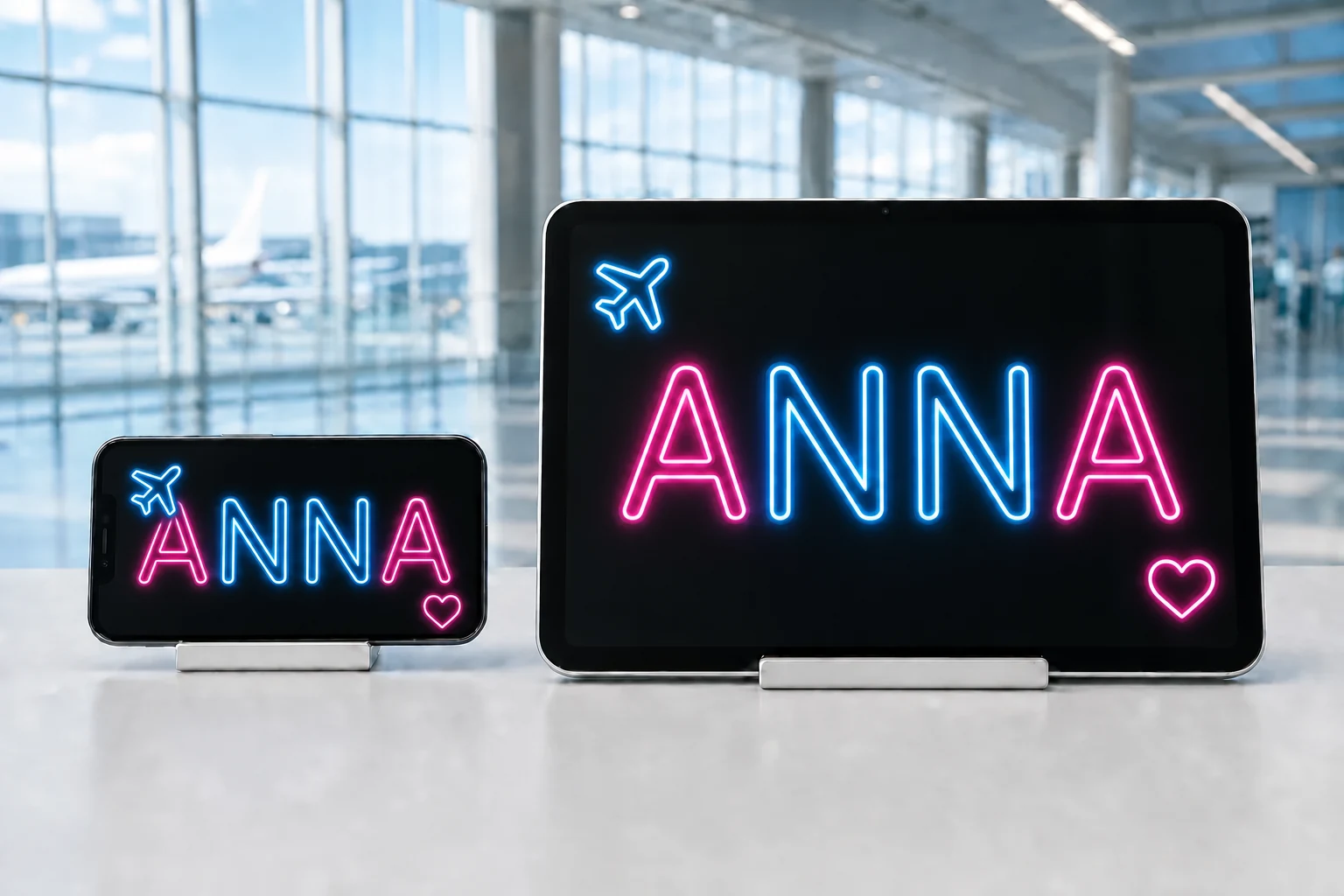
ANNA
Text color
More styles, colors, fonts, and effects are available in our app for iPhone and iPad.
Download on the App Store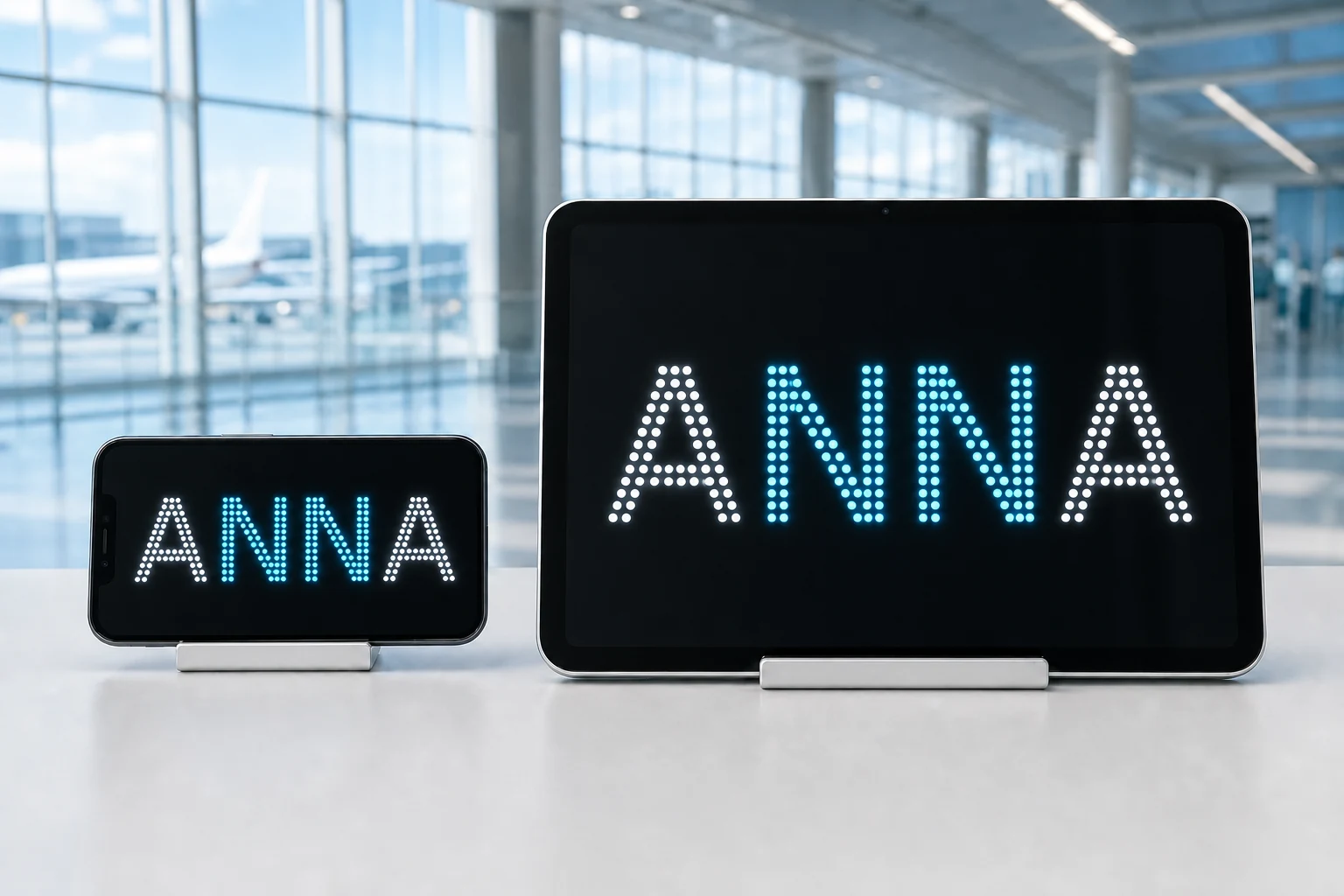
Device choice
Use iPhone for portability. Use iPad when the name needs room.
A short name can work well on an iPhone in landscape. Longer surnames, family groups, and professional two-line signs benefit from an iPad.
iPhone Short names, personal pickups, easier carrying
iPad Long names, groups, hotel and chauffeur signs
Recommended airport pickup sign app
Create the final sign in LED Banner
Use this website to prepare the wording and layout. Then open LED Banner to show the message full screen on your iPhone or iPad.
- Full-screen static or scrolling text
- Large type, colors, backgrounds, and LED styles
- Fast message changes at the airport
- Designed for both iPhone and iPad
LED Banner: Big Scrolling Text Download LED Banner, enter your message in the app, and show it full screen. Download on the App Store See the LED Banner airport use case
Airport pickup guides
Get the sign ready before the passenger arrives
Choose the right name, layout, and device, then have the finished sign open before the passenger enters the arrivals hall.
01 · Passenger name guide
Show the passenger name so it is easy to spot
Format passenger names for an airport pickup sign using clear name order, respectful titles, short secondary details, and readable line breaks.
02 · Pickup workflowRun a clear airport pickup from booking to arrivals
Plan a repeatable airport pickup workflow: verify passenger names, prepare the display, protect booking details, and update each arrival.
03 · Personal arrivalsMake a welcome sign that feels personal and stays readable
Plan a personal airport welcome sign for family, friends, partners, and long-awaited reunions without making the message difficult to spot.
04 · Practical readability guideMake the sign readable before making it decorative
Improve airport pickup sign readability with short wording, strong contrast, clear hierarchy, appropriate text size, and controlled motion.
05 · Device choiceChoose iPhone or iPad based on the message
Compare iPhone and iPad for airport pickup signs based on passenger name length, viewing distance, portability, professional use, and holding time.
06 · Arrival-day checklistHave the pickup sign ready before the passenger arrives
Prepare an airport pickup sign before the passenger arrives: verify the name, charge the device, raise brightness, silence notifications, and open it full screen.
07 · Message plannerChoose the right airport pickup message for the arrival
Choose a clear airport pickup message for a family arrival, professional driver, hotel transfer, group, or meeting at a specific exit.
08 · Lighthearted welcomesUse a funny airport welcome sign without losing the name
Find short, friendly airport welcome sign jokes for partners, family, and friends while keeping the traveler name clear and easy to spot.
09 · Welcome-home messagesMake a welcome home sign the traveler can spot immediately
Plan a warm welcome home airport sign with a familiar name, a short reunion message, and a layout that remains visible across arrivals.
10 · Driver name boardsCreate an airport pickup name board for a driver or chauffeur
Create an airport pickup name board for a driver or chauffeur with the passenger surname, service name, clear layout, and an arrival-day checklist.
11 · Hotel arrivalsCreate a hotel transfer sign that reassures the guest
Create a consistent hotel transfer sign for individual guests, families, groups, conference arrivals, and private airport transfers.
12 · Sign examplesCompare airport pickup sign layouts before choosing one
Compare practical airport pickup sign examples for short names, long surnames, families, drivers, hotels, and welcome-home messages.
13 · Sign templatesStart with a simple airport pickup sign template
Use practical airport pickup sign templates for a passenger name, driver, hotel transfer, family group, event guest, or welcome-home message.
14 · Guide libraryPlan every part of an airport pickup sign
Browse practical guides for airport pickup messages, passenger names, driver boards, hotel transfers, readability, devices, and arrival-day preparation.
Common questions
Airport pickup sign app FAQ
Short answers for choosing a device, message, and final display.
What is an airport pickup sign app?
An airport pickup sign app turns a phone or tablet into a full-screen passenger name board or welcome sign for meeting someone in the arrivals hall.
Can I use an iPhone as an airport pickup sign?
Yes. An iPhone works well for short passenger names and personal messages, especially in landscape orientation with high contrast.
Is iPad better for airport pickup signs?
An iPad is useful for long names, family groups, hotel transfers, professional two-line signs, and greater viewing distance.
What should an airport pickup sign say?
Start with the passenger name, nickname, or family name they expect to see. Add a hotel, company, or short welcome only when it makes the sign more useful.
Which app can create the final sign?
LED Banner: Big Scrolling Text creates full-screen static or scrolling airport pickup signs on iPhone and iPad.